
TimeClock
A time clock and shift schedule for small businesses.
The kiosk
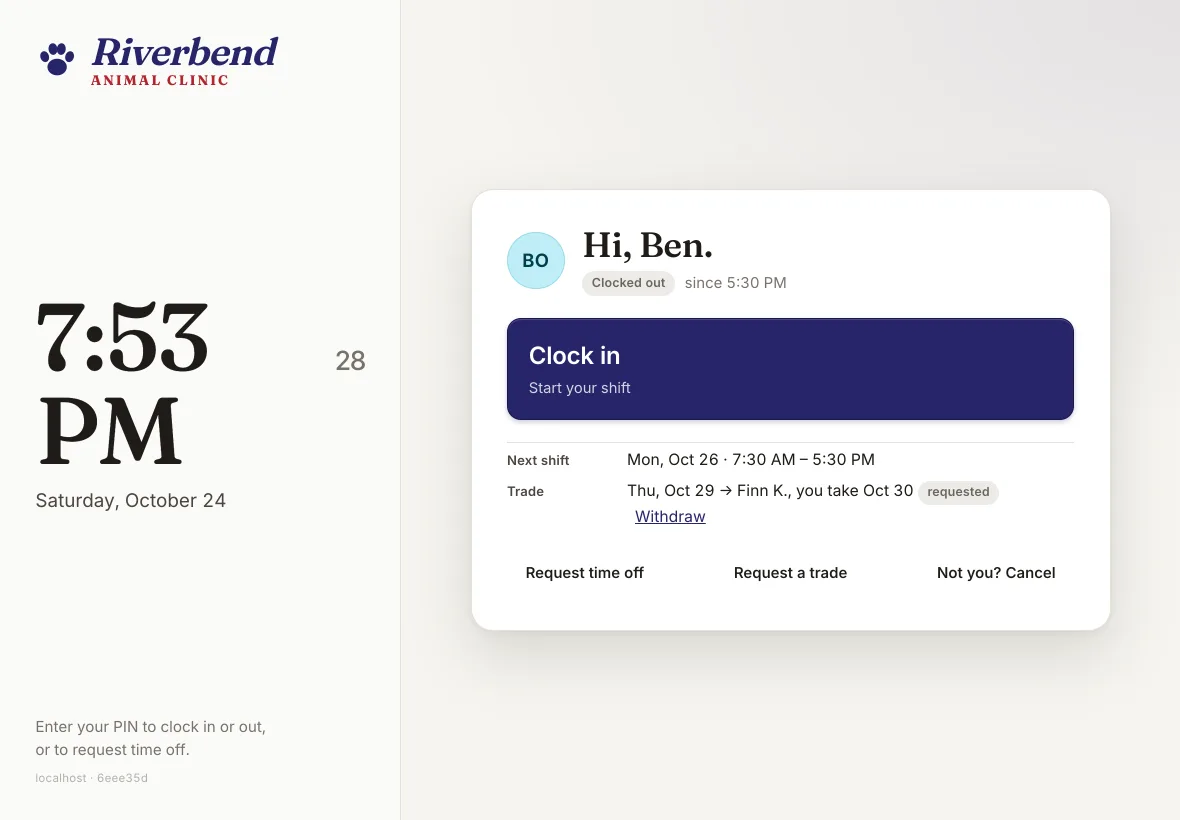
- Employees punch in and out with a PIN. Breaks follow your policy: punched at the kiosk, or lunch deducted automatically.
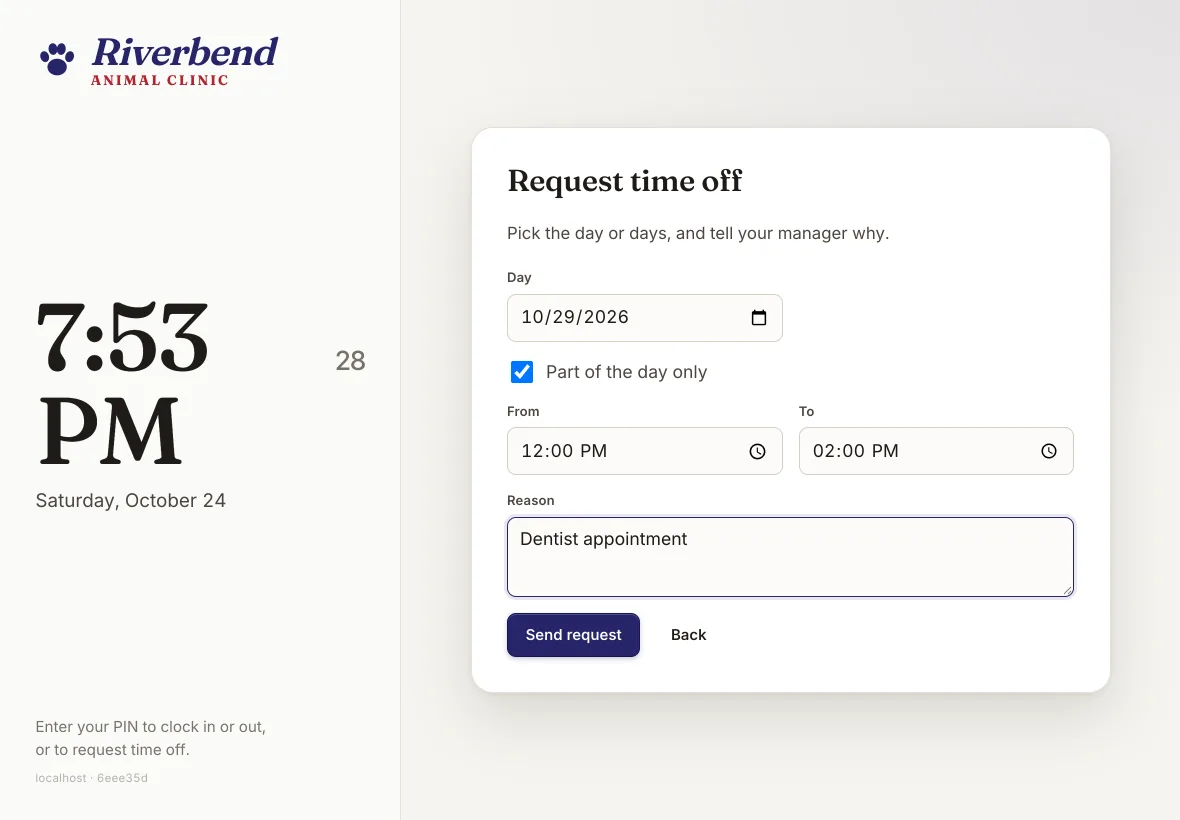
- They can request time off right at the kiosk, a full day or part of one.
- They can ask to trade or swap a shift there too; you approve it.
- Wrong PINs lock out, and nobody sees the roster before a correct PIN.
The manager portal
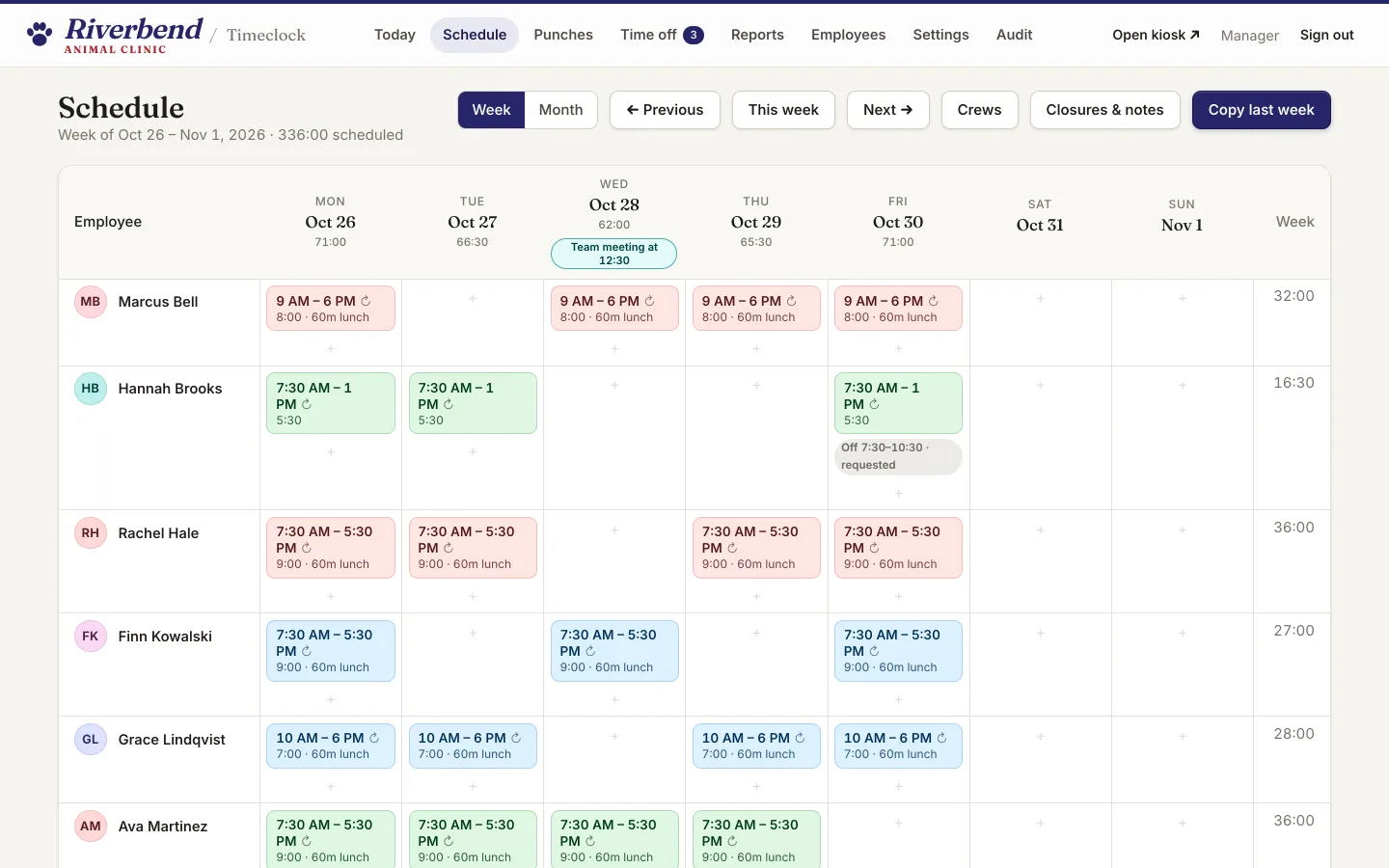
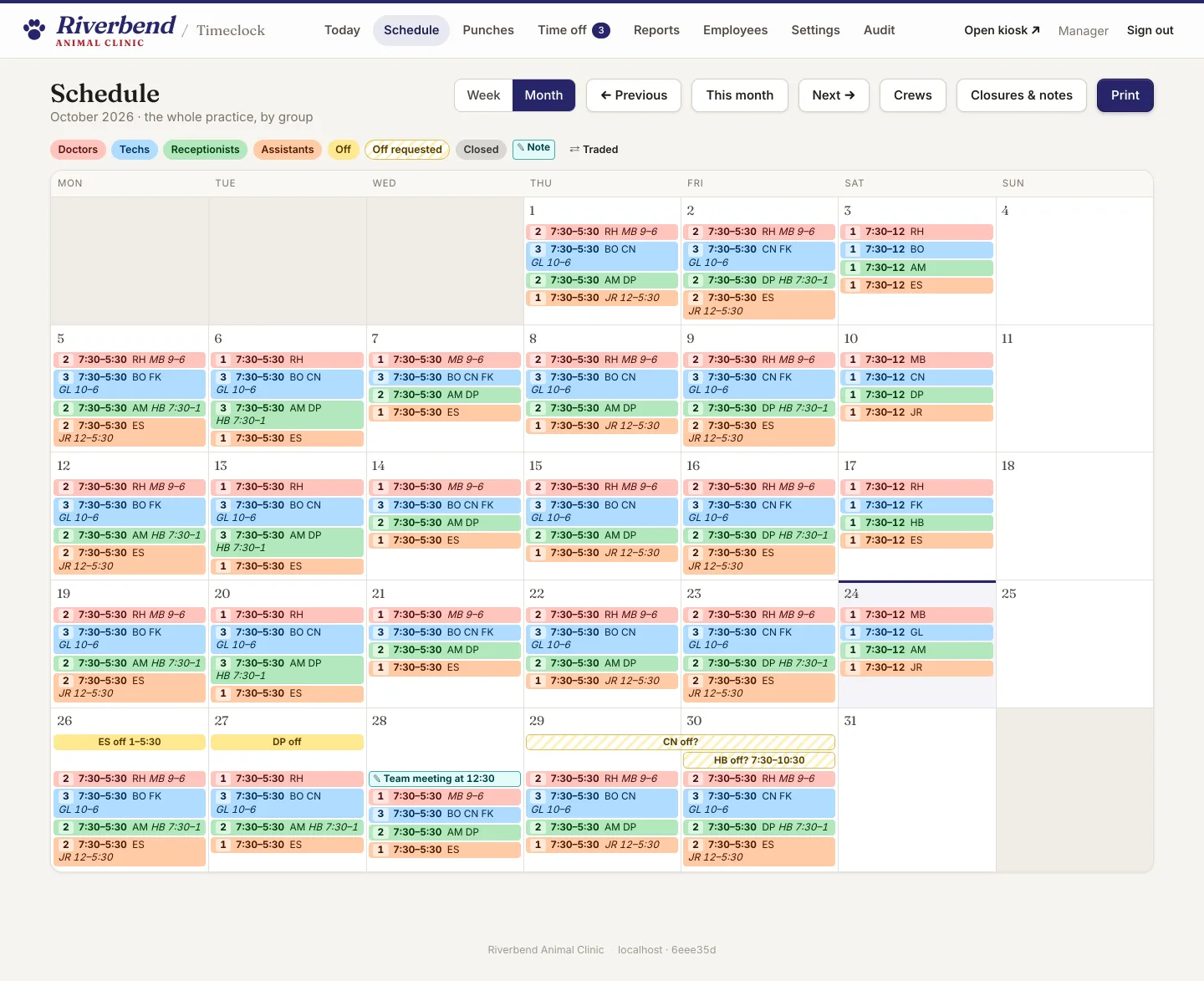
- Today at a glance, a week-grid schedule, and a business-wide month view that prints on one page.
- Regular schedules fill the calendar ahead, including Saturday crews by week of the month.
- Groups with their own colours, recurring holiday closures and calendar notes.
- It won't let you schedule someone twice.
- Staff who are scheduled but don't clock in stay out of the time reports.
- Punch edits are audited, each with a reason.
- A time-off inbox.
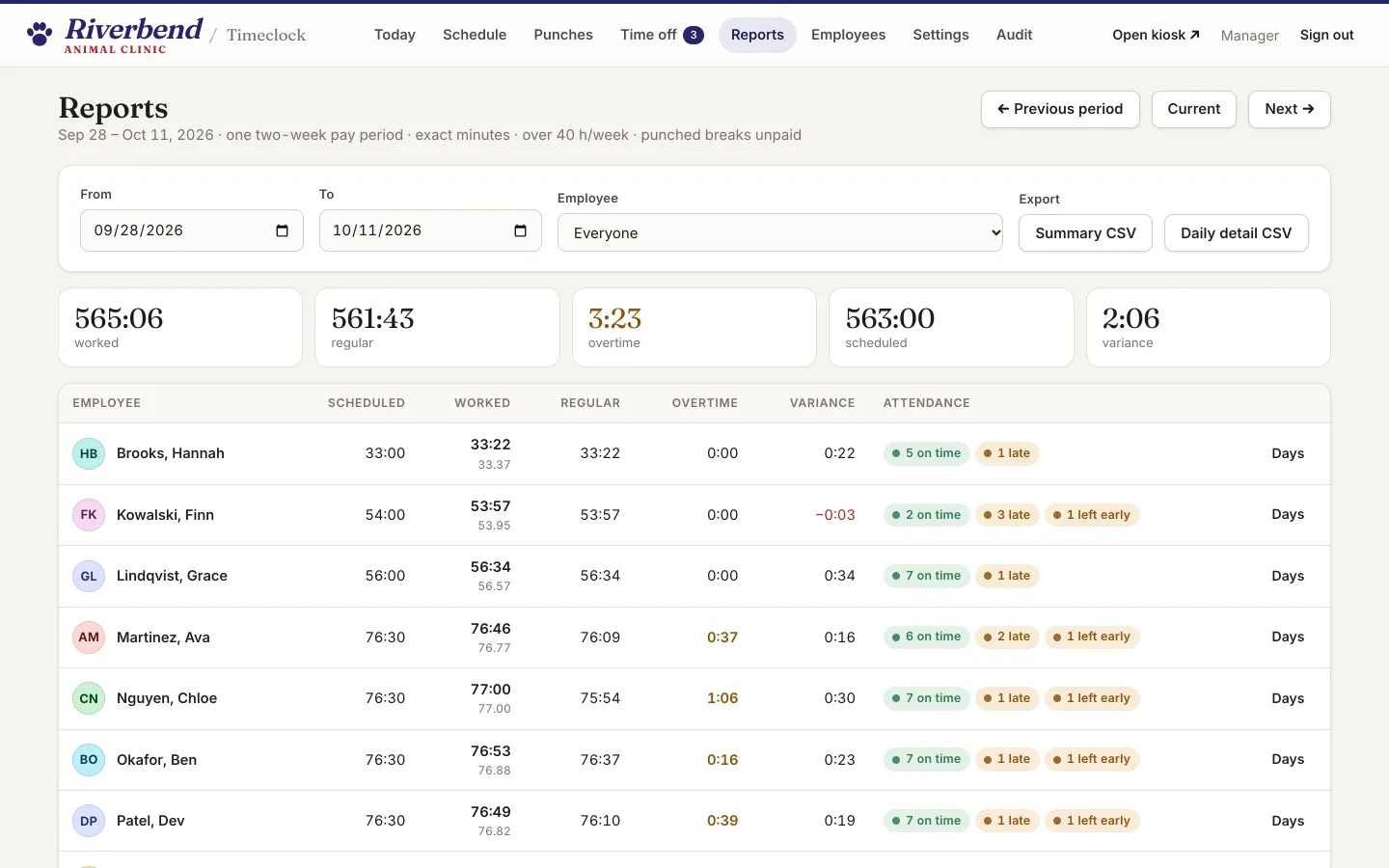
- Pay-period reports with CSV export.
- Employees, settings, and a full audit log.
A look inside
These come from Riverbend Animal Clinic, a made-up demo practice. Every name and number is invented.
Your own instance
Each business runs on its own isolated instance, with its own branding.